1. Make sure the device itself is actually on (power button in the back; lights up when on)
2. Unplug/replug both ends of the cable connecting the unit to the laptop
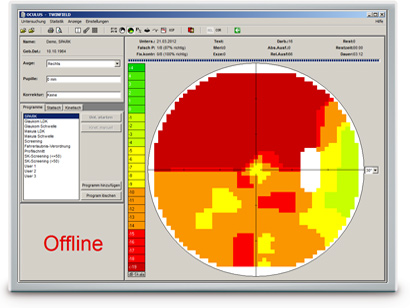
3. you have to restart the app (technically only the testing screen - the one that displays the camera feed [or OFFLINE message if the cam feed is missing]) - super important to back out of that screen and re-enter it (it won't come back without that)
Was this article helpful?
That’s Great!
Thank you for your feedback
Sorry! We couldn't be helpful
Thank you for your feedback
Feedback sent
We appreciate your effort and will try to fix the article